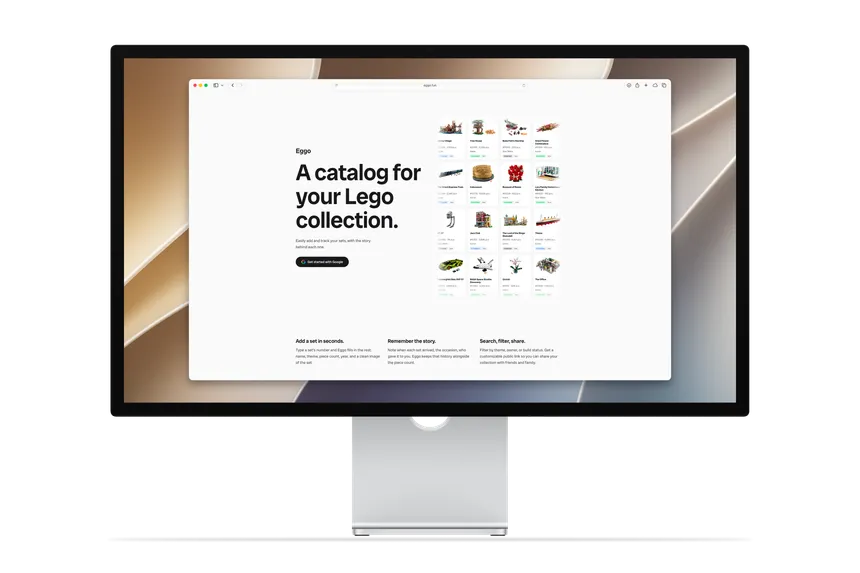
I built a website for keeping track of LEGO collections, complete with easy adding of set data, catalog search, and sharing.
Context
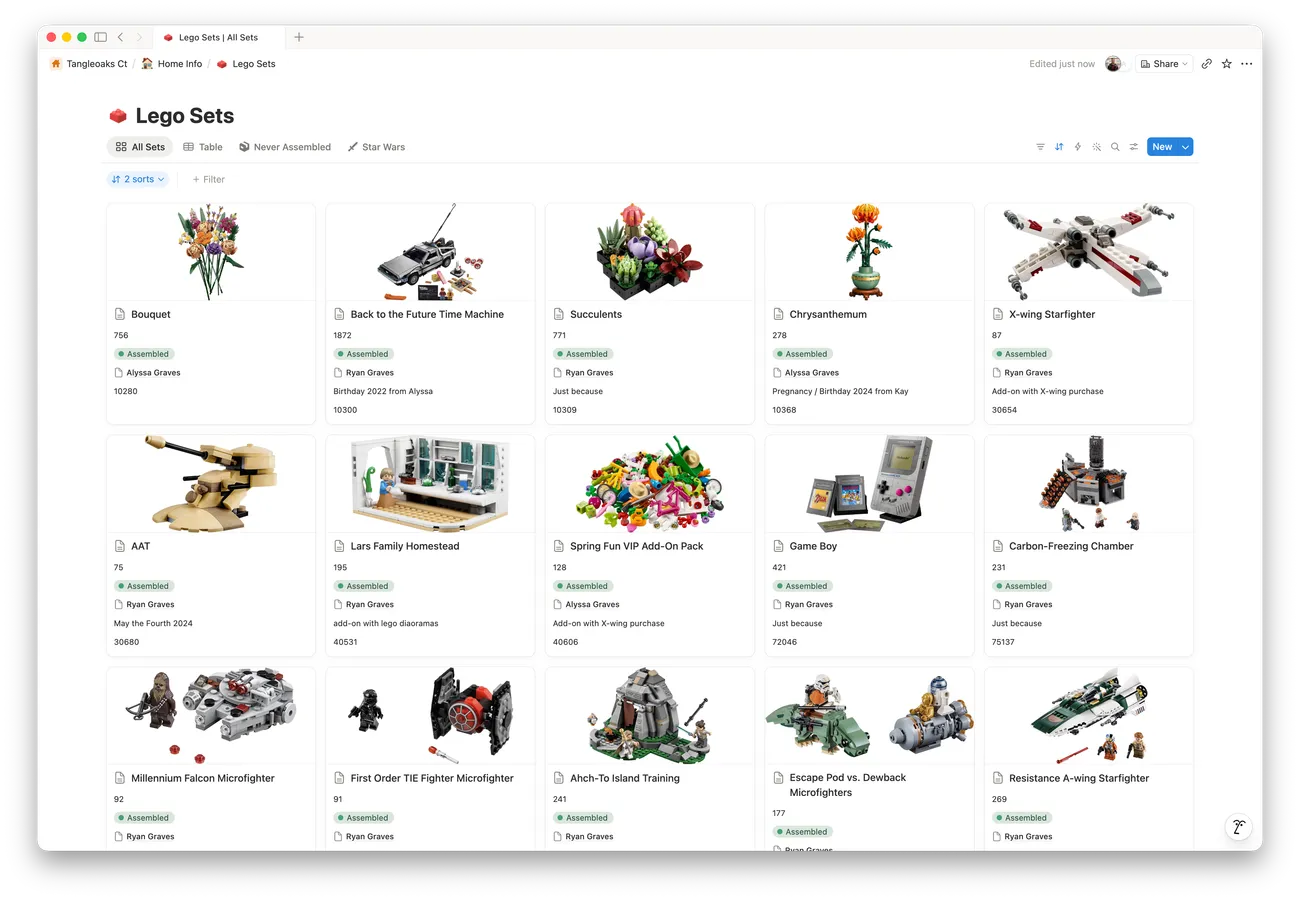
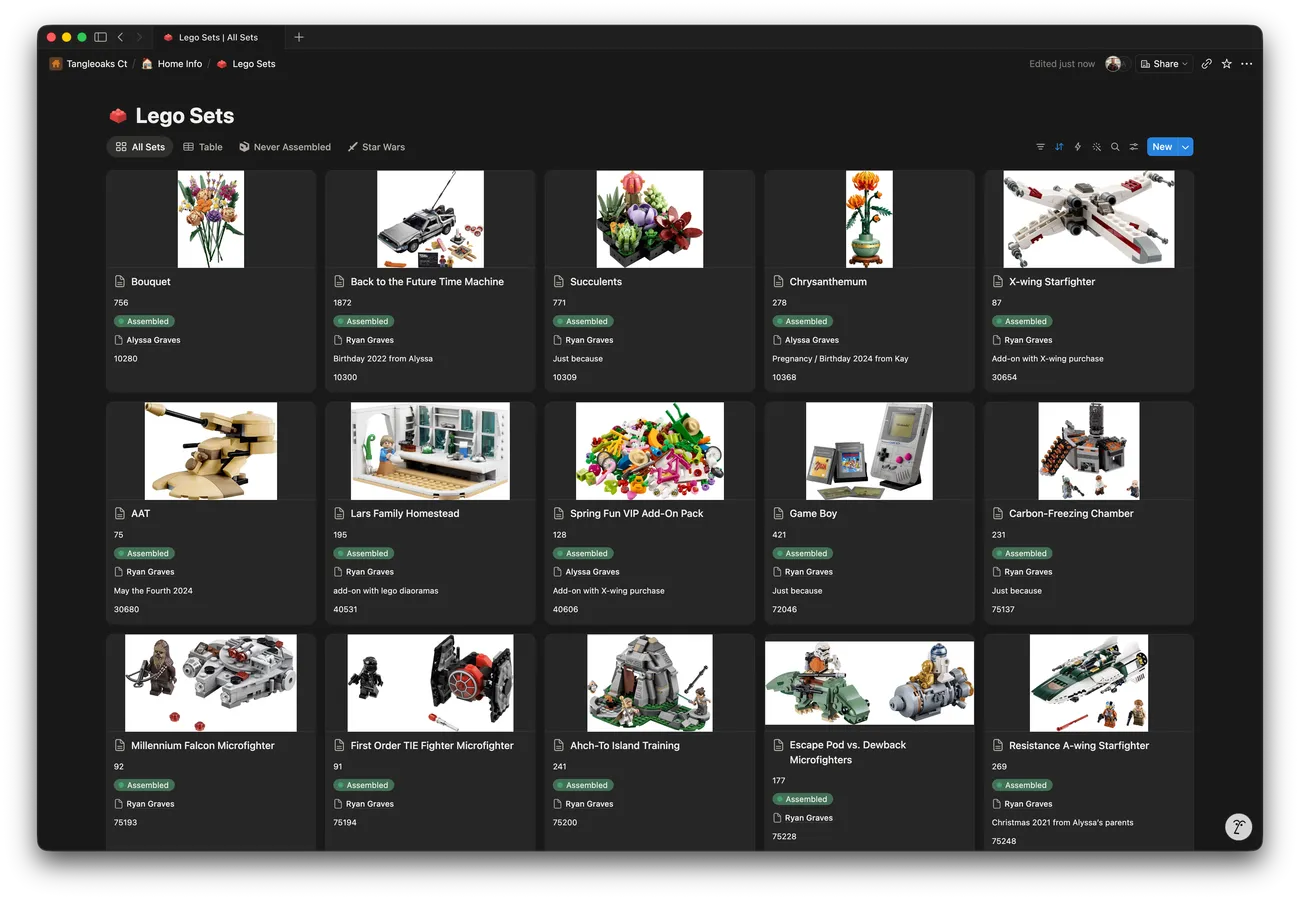
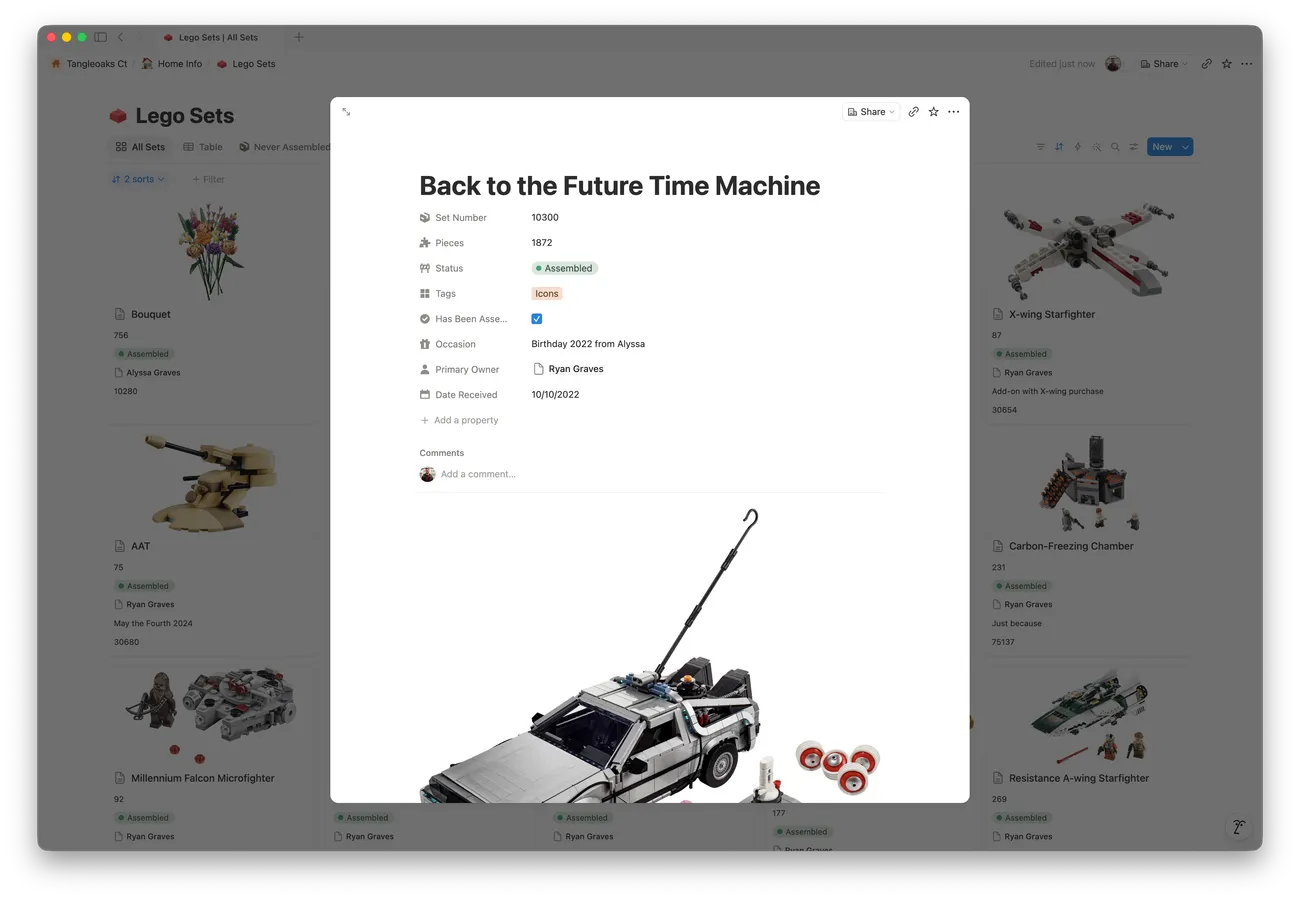
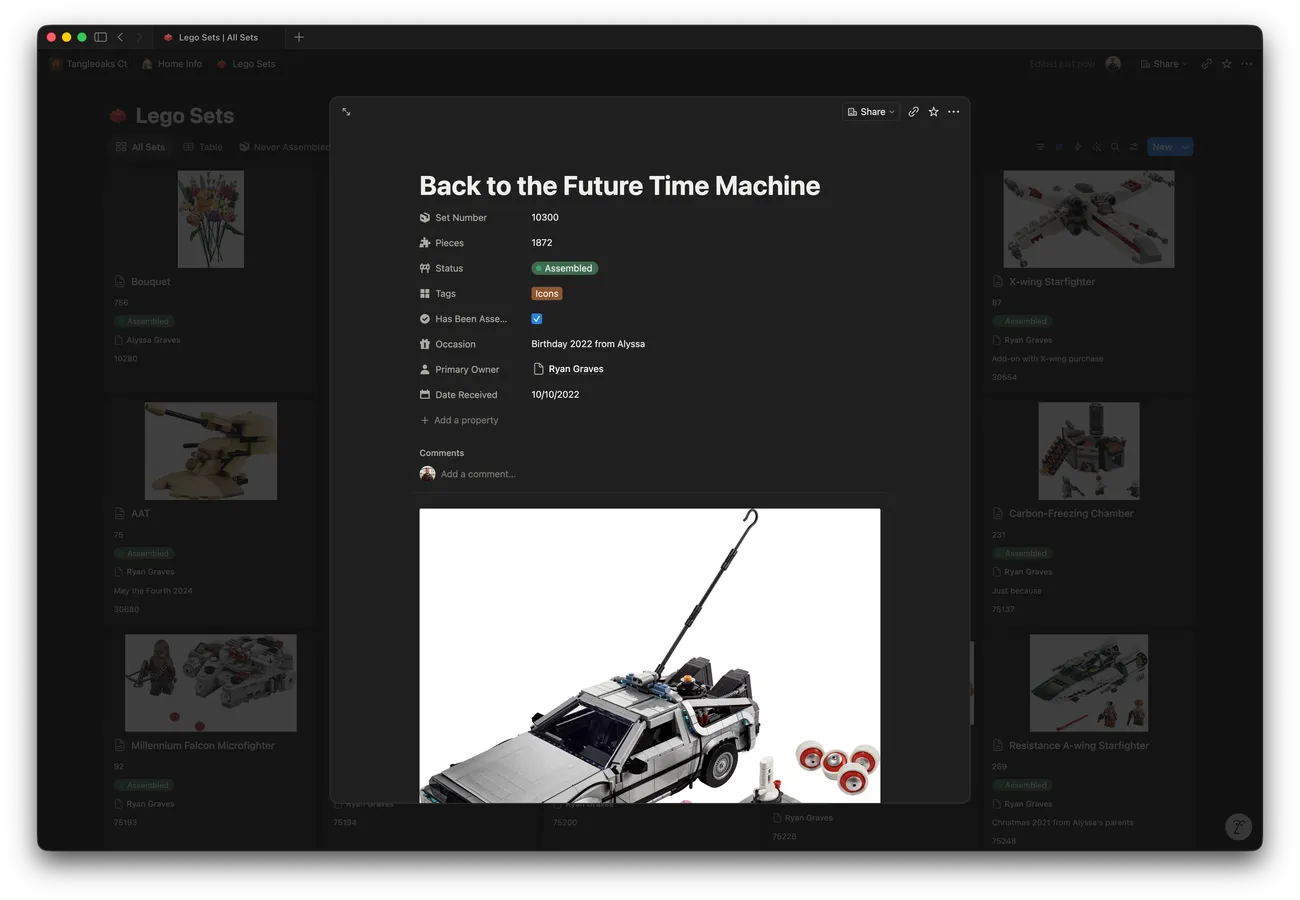
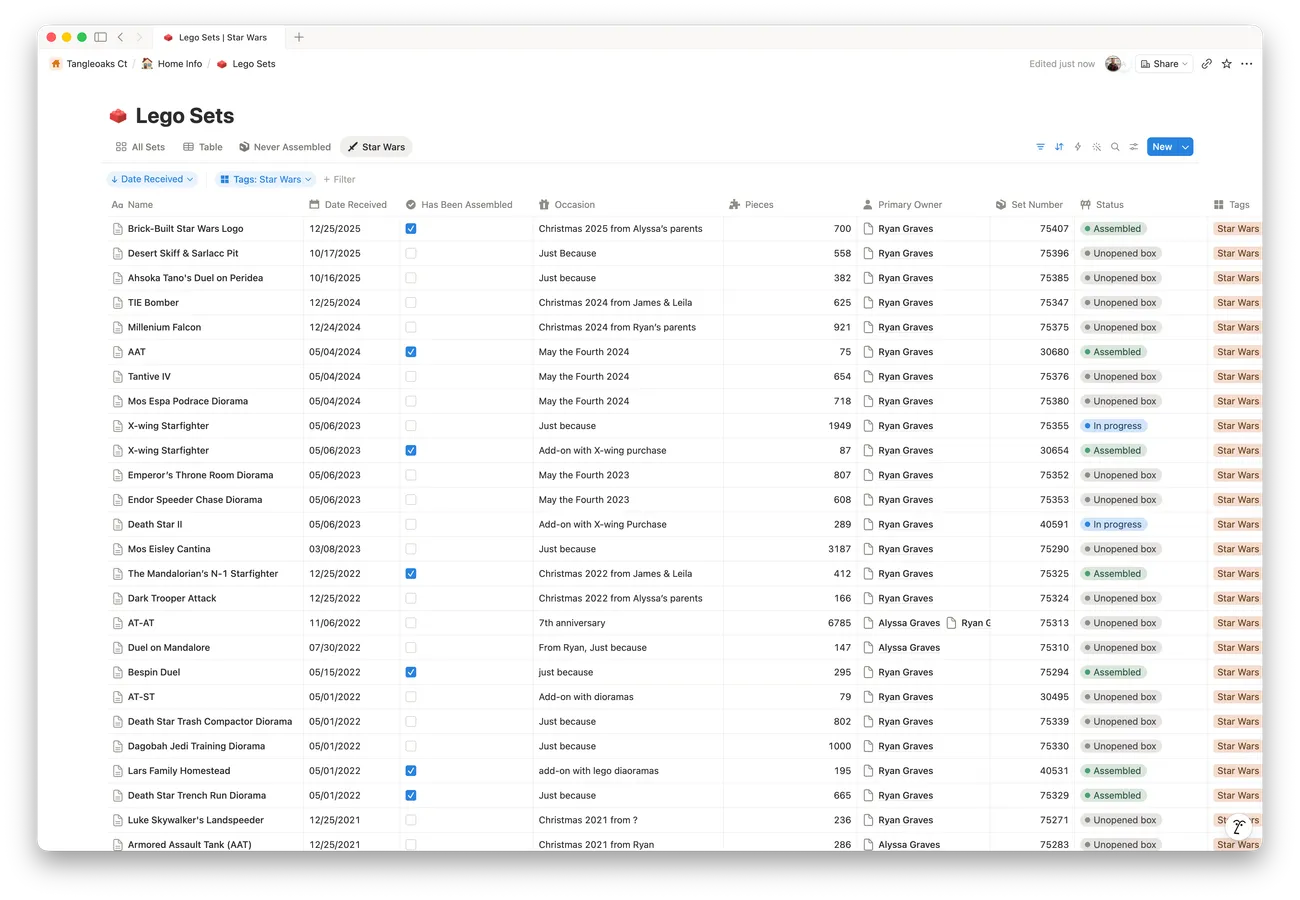
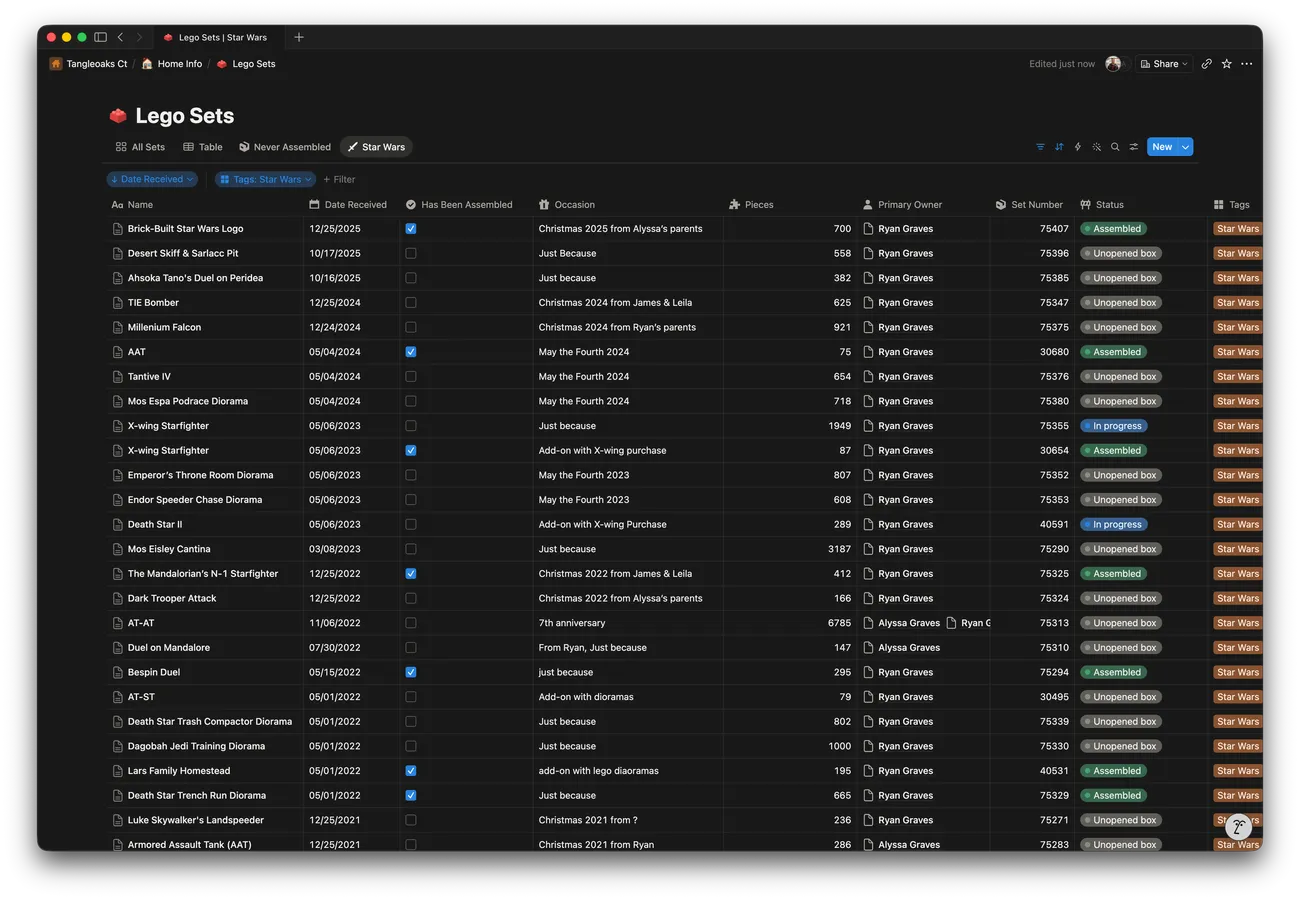
I’ve kept track of my LEGO collection in Notion for years. (Yes, I’m a nerd). Over time I’ve entered a lot of data—80-plus sets—and built out a pretty extensive system of linked data. It works, but it’s slow and clunky, and every time I add a new set to my collection, I have to manually add the name, piece count, an image, and anything else about the set, all by hand from wherever I could find it on the internet.
Notion also gives me very little say over how the collection looks or how I can share it with others. Notion has a limited set of view layouts, and they all feel like Notion.
Building it with Claude
My setup in Notion has been working well enough that I’ve never felt the need to sit down and build something by hand to replace it, but as I was entering my latest set that I’d received as a gift over the holidays, the thought occurred to me: I bet I could spin something up using Claude that would be a lot nicer for this specific purpose than using Notion. I was already using Claude for projects at work, so I had a good sense of where things go well building with Claude and where they… don’t.
I bet I could spin something up using Claude that would be a lot nicer for this specific purpose than using Notion.
I started by creating a new empty GitHub repo, then opening a fresh Claude Code session on my phone. I hadn’t tried this before for a real project. I typically will use Claude Code via the VSCode extension on my mac, but I wanted to manage as much of this as possible without sitting down at a computer. I figured I still had that as a fallback option, and worst case if the experiment completely bombed, I could just go back to keeping everything in my current Notion setup.
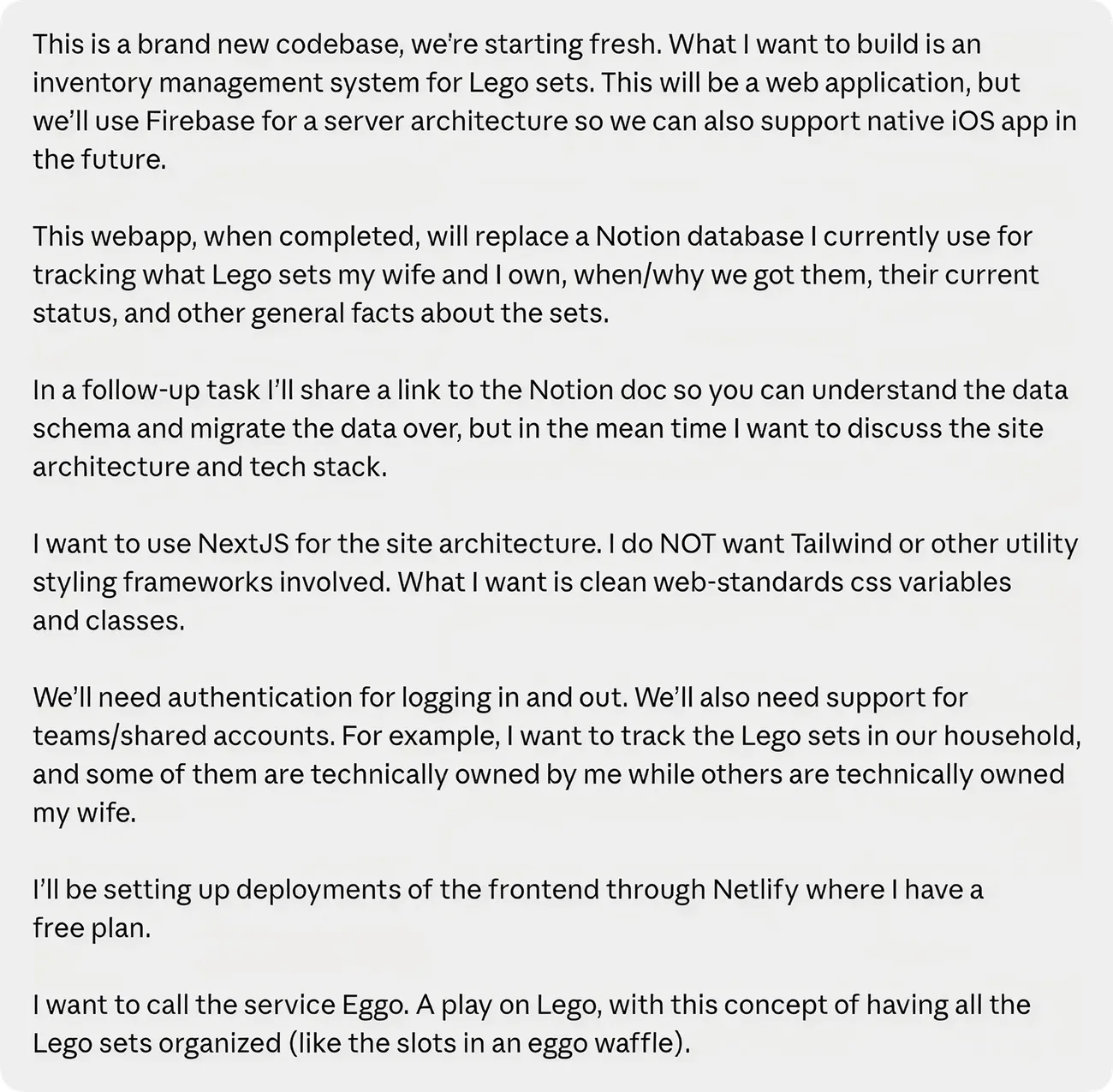
In my initial prompt to Claude, I described what I’d been doing in Notion and the replacement tool I had in mind. I included several details about both the features I wanted and my desired tech stack.
Before there was much code, I had Claude put some tooling and guardrails in place (specifically Storybook, Playwright, and a CLAUDE.md file it could reference as it worked), and we also added stylelint to keep the styling pulling from design tokens instead of hardcoded values Claude kept trying to add. I also asked it to adhere to conventional commits and wire in some automated version bumping so the project could stay relatively organized.
From there Claude scaffolded the first version of the app (with some heavy-handed guidance from me at each step, of course). Claude walked me through standing up the data layer on Firebase. I’d used Firebase before, so it was a natural choice, with Auth, Firestore, and storage for the set images. As it built the site and pushed work to GitHub, I’d visit the deploy previews on Netlify and provide feedback in the chat, flagging issues and broken functionality along the way.
Making it feel like mine
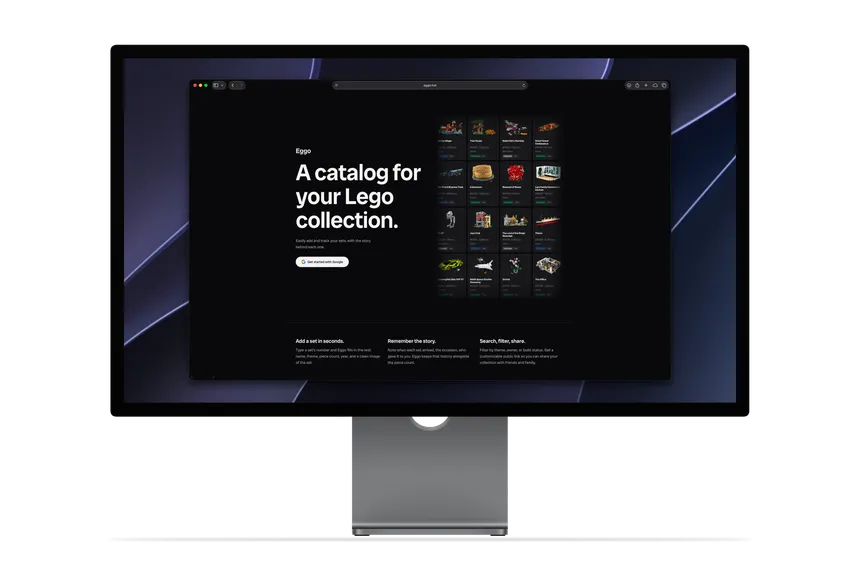
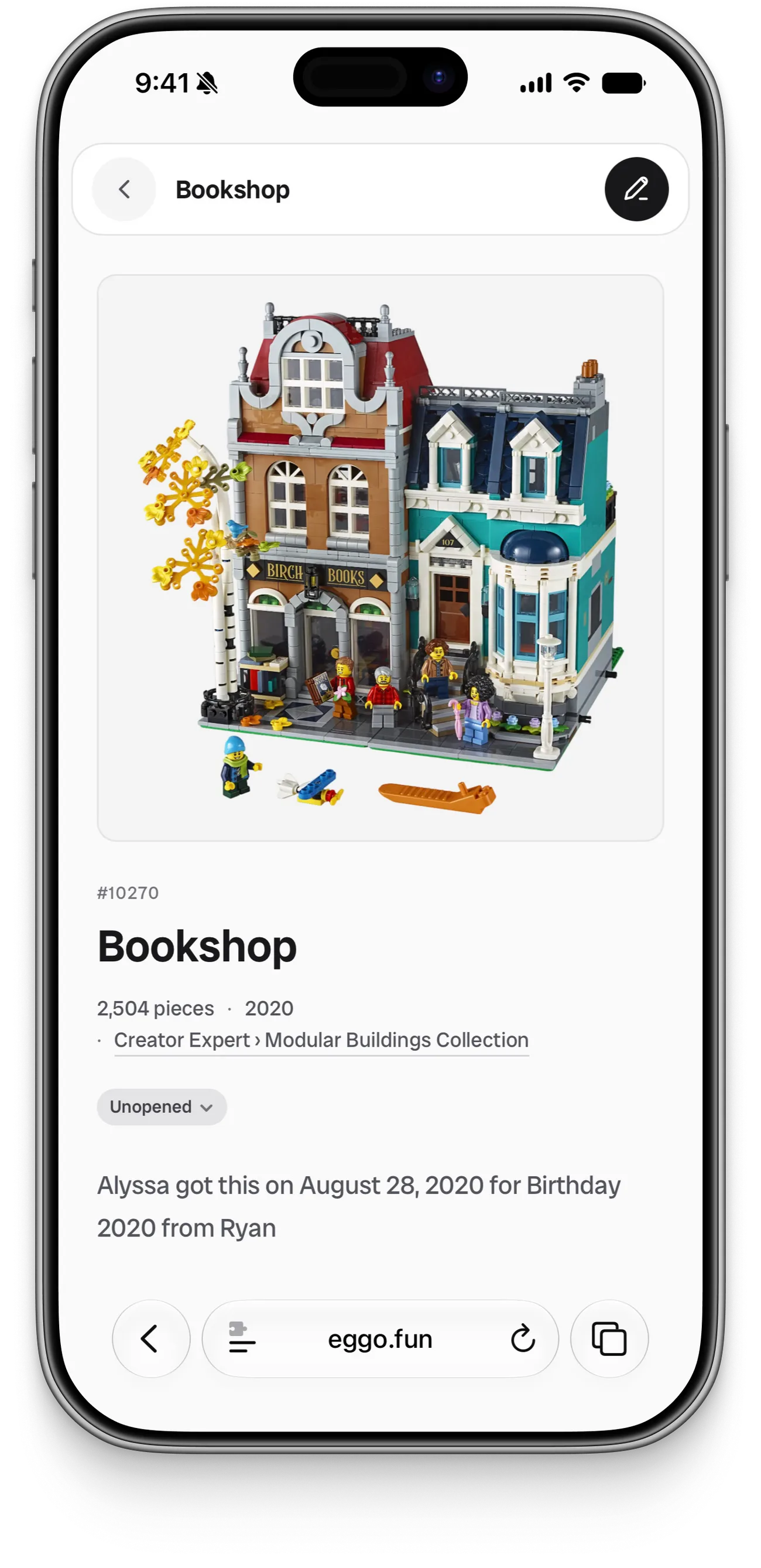
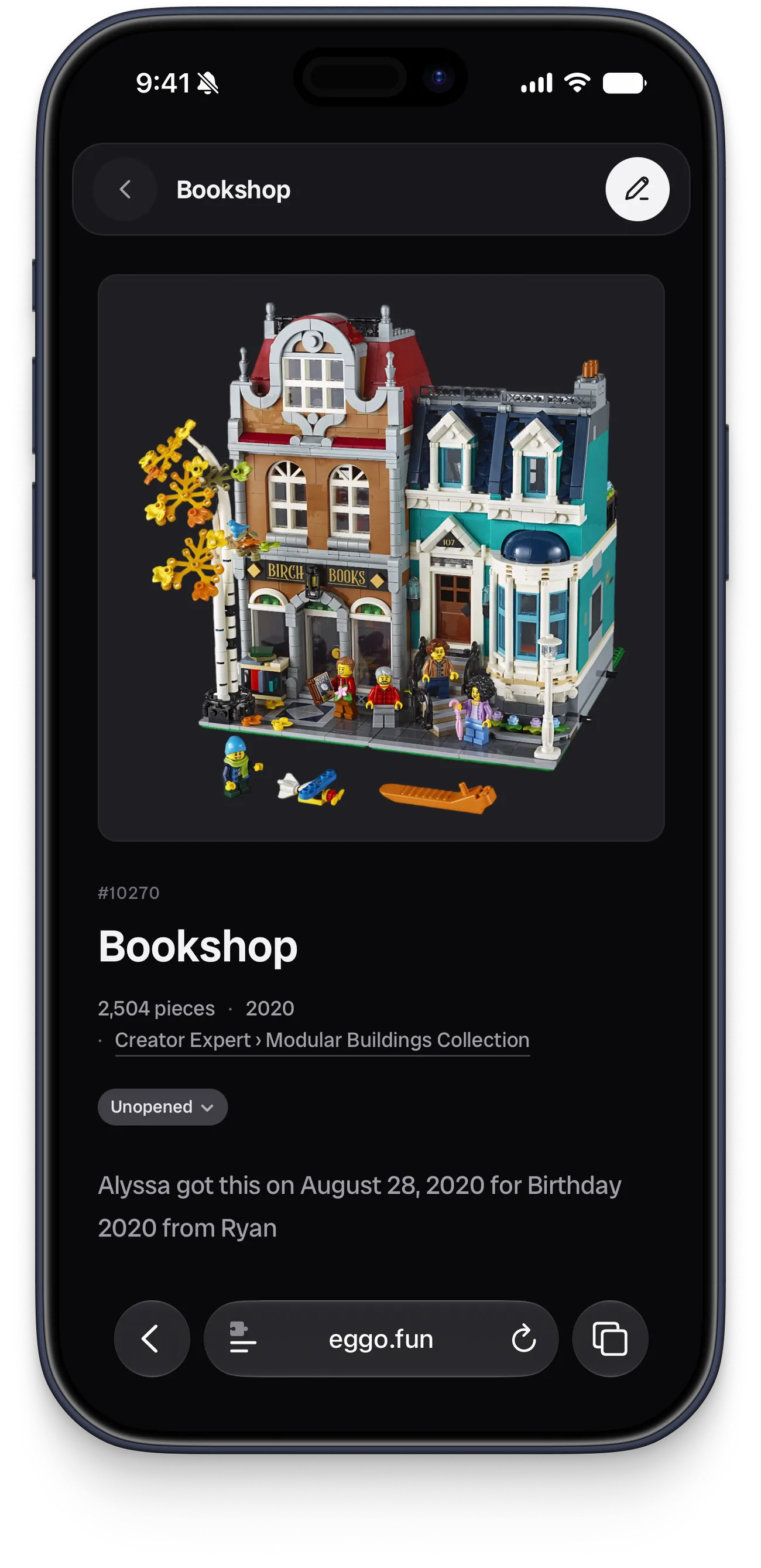
Being able to auto-fetch set info when adding a set was the piece I most wanted, since it’s the one thing Notion couldn’t do at all. Claude did a little research, and identified Brickset as a viable option. Their API provides all the data we need to tag and categorize each set, as well as an image of the set. We even added automatic image background removal (using an API from rembg.com) so set images look clean and consistent in both light and dark mode.
To bring my collection over, I had Claude write a temporary Notion import so I didn’t have to re-enter all 80-plus sets. I gave it access to my collection via Notion’s MCP and a simple CSV export, and we populated my new Eggo account with all of the same sets I’d been logging for years.
Where it stands
Adding a set is now a few seconds of work. When I get a new one, I just enter the set number, and all the details are automatically fetched and filled in. Then I can tag an owner (myself or my wife) and add info about the date and occasion when I got the set.
From there I can browse, filter, and search my whole collection. The Set Status tags let me keep track of which sets are still sealed in their boxes, which are in progress, and which are assembled. I can also share a public link so friends and family can see what sets I own when exploring gift ideas for me.
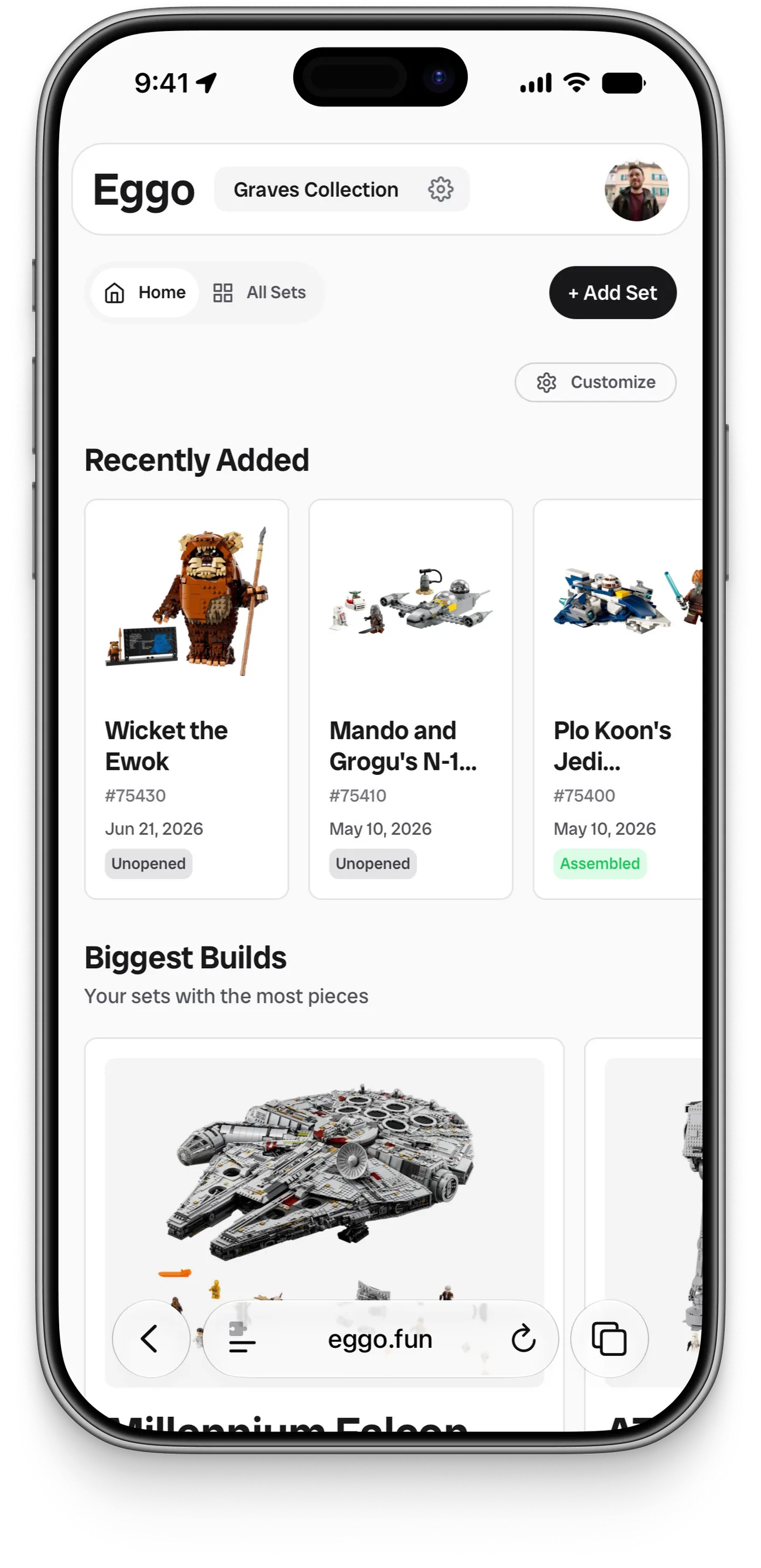
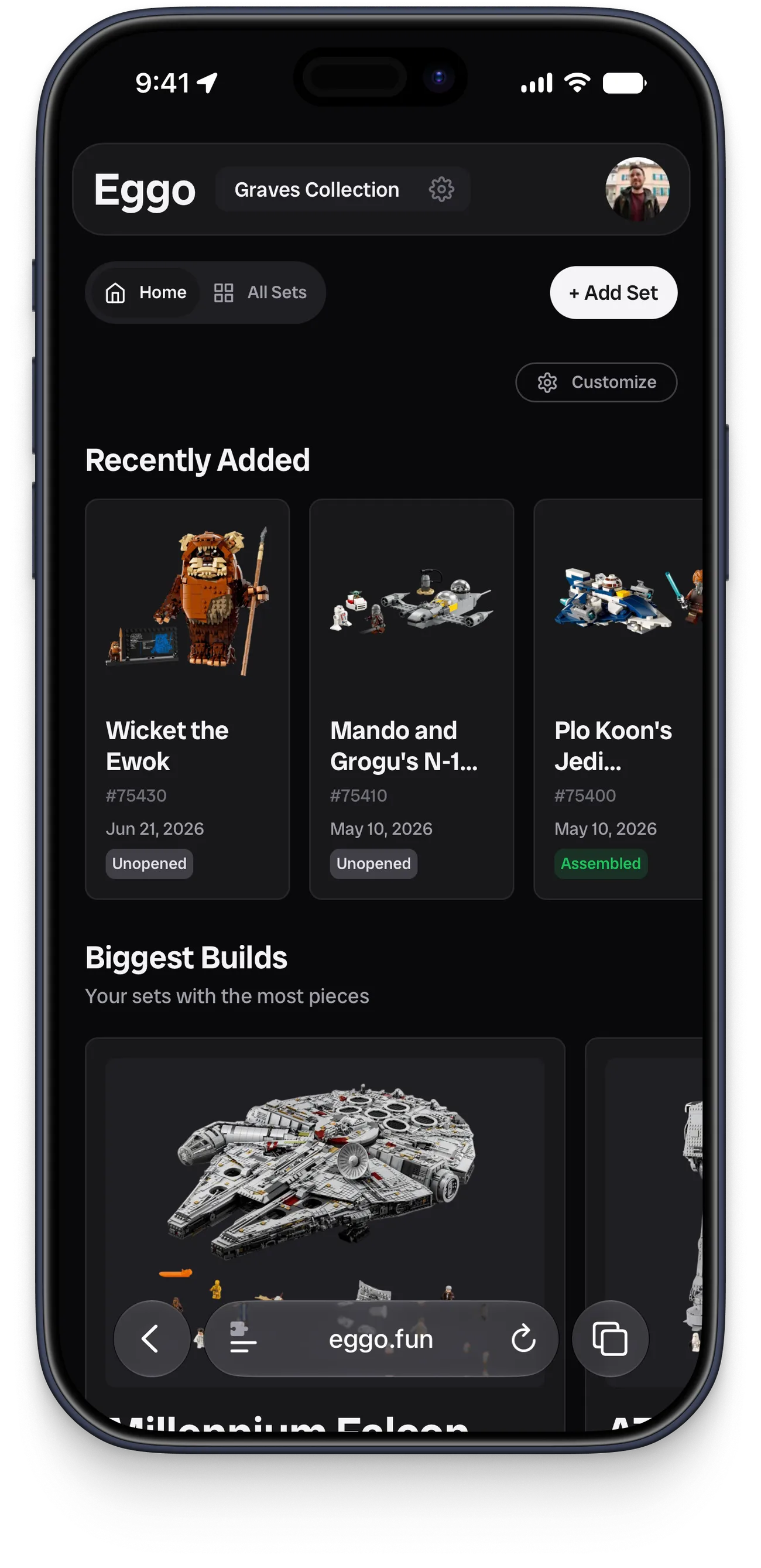
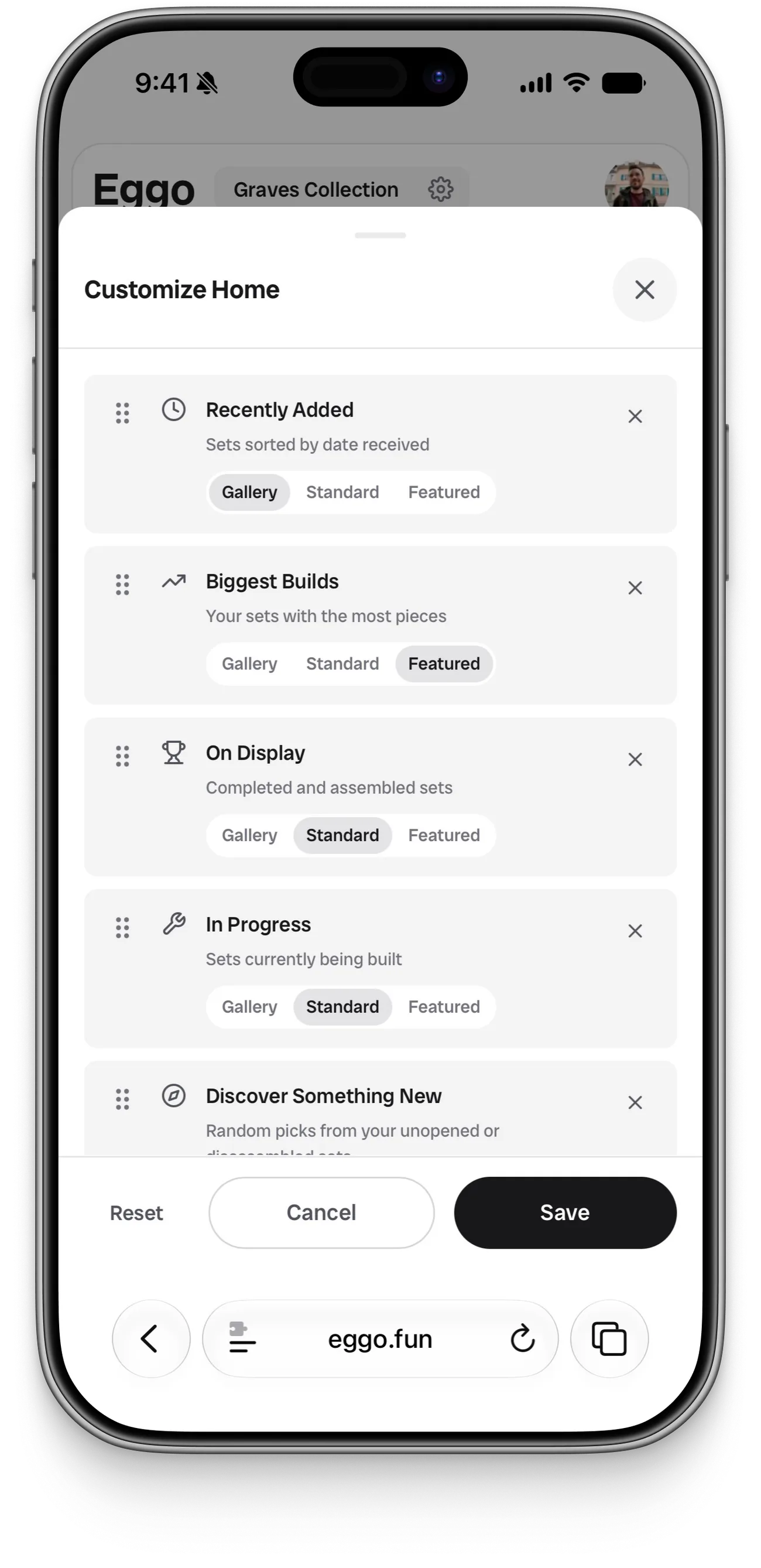
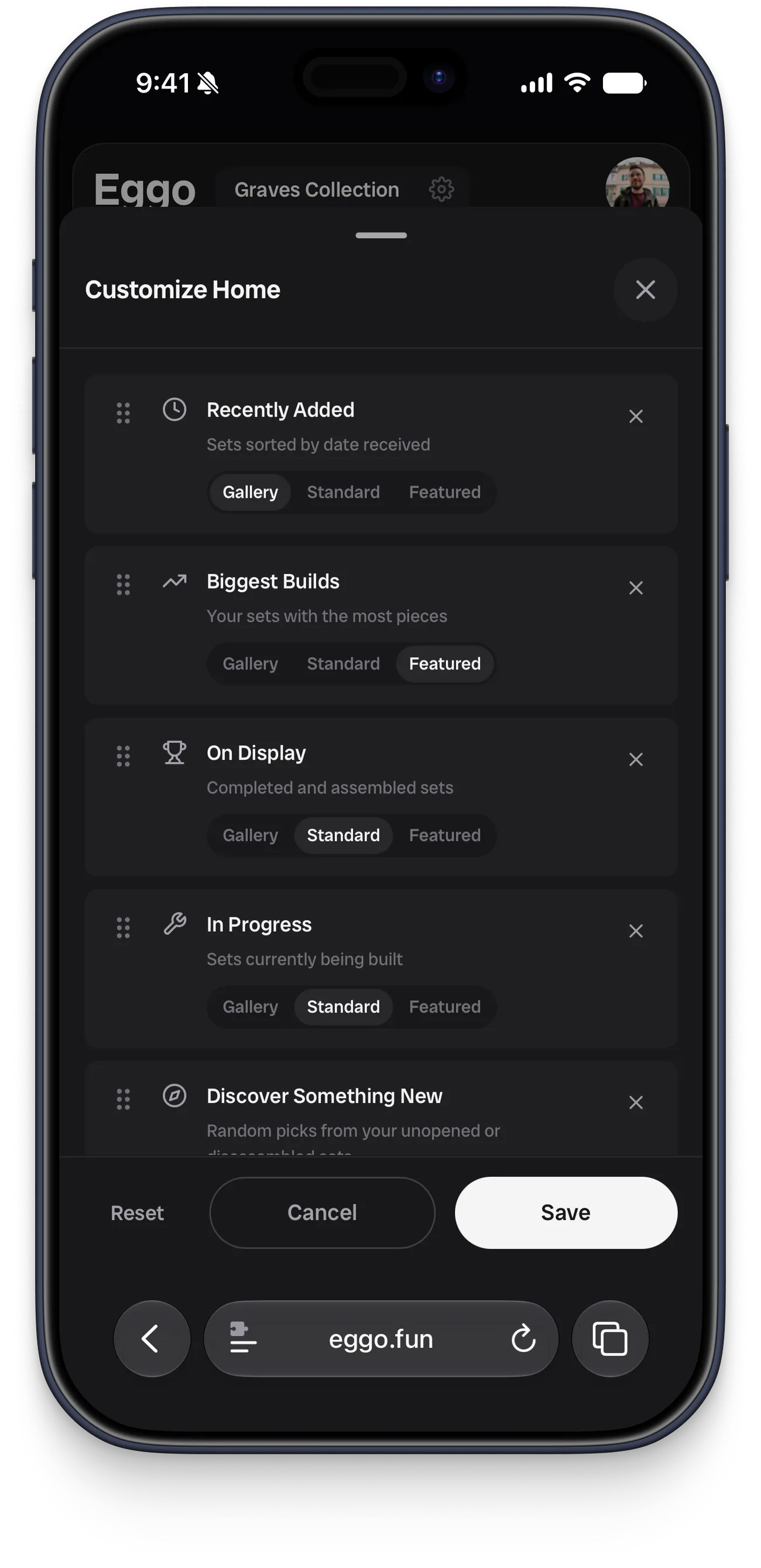
It’s an ongoing project, and I keep coming back to refine it. I moved the whole backend off Firebase and onto Supabase—managing image storage had gotten tedious, and my wife was already using Supabase on a project she was building and had good things to say about it. I trimmed my early theme experiments down to a single clean look built around Radio Canada Big, the same typeface I use here on this site, and let the set images carry most of the visual weight. I also added a handful of set-card sizes so public links to collections read more like a curated gallery than a spreadsheet.
At this point, I’m only using Eggo for tracking my sets, and ‘ve fully abandoned my Notion setup. Feel free to check out my live collection or sign up and give it a try with your LEGO sets!